My Zoom Meeting Essentials
What's Actually on My Desk (And the Upgrade I'm Saving For)
Over time I've put together a small, practical setup built around three things I actually use every week, plus one upgrade I'm still saving up for. This isn't a "best of" roundup — it's just what's actually on my desk, what it cost me, and why I picked it.
1. USB Monitor Light Bar
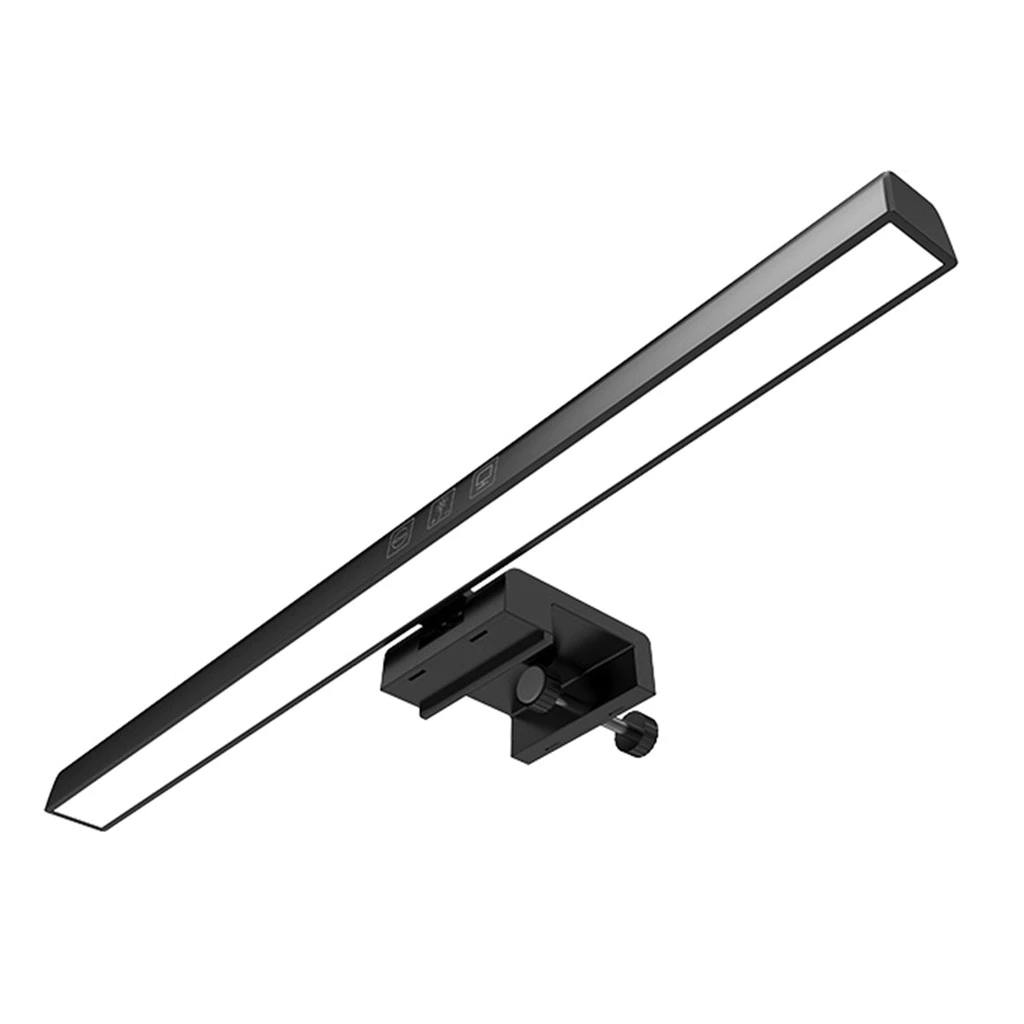
This clips onto the top of my monitor and quietly solves the one problem every remote meeting-goer runs into at night: enough light to read notes or documents without pointing a harsh lamp straight at my face on camera. It's a soft, downward-facing light, so it lights up my desk and notes instead of blowing out my webcam feed.
| Type | USB-powered monitor-mount LED light bar |
| Brightness | Adjustable / dimmable |
| Mount | Clip-on, sits above the monitor |
| Price | ₱518 |
2. NEWMSNR 6th Gen Air-Conduction Ear-Clip Earphones

These clip onto my ears instead of going inside them, which turned out to matter more than I expected. Back-to-back meetings can easily run over an hour, and in-ear buds start to feel uncomfortable after a while. The open-ear design also means I can still hear what's happening in the house — useful when you're working or hosting calls from home and can't fully tune out everything around you.
| Type | Open-ear, air-conduction, ear-clip design |
| Comfort | No ear tips — sits on the outer ear |
| Price | ₱369 |
3. In-Play C1080E Webcam
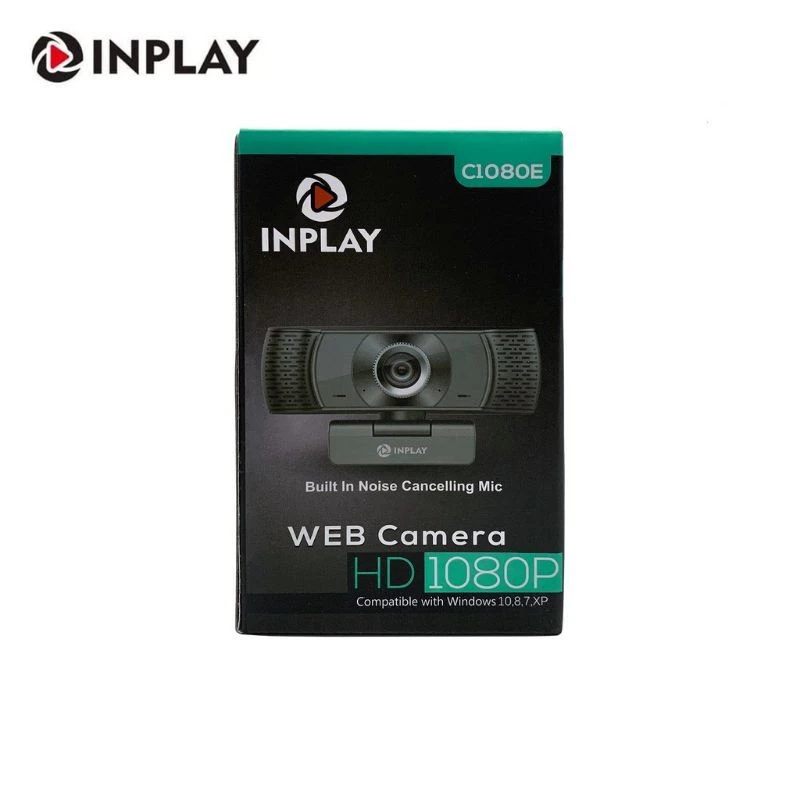
This is the webcam I've been using for my regular Zoom meetings, and honestly, for everyday calls (not streaming or vlogging), it does the job. Combined with the light bar above, it gives a clear enough picture that people aren't straining to see my face during discussion — which is really all a typical video call needs.
| Resolution | 1080p |
| Connection | USB, plug-and-play |
| Price | ₱358 |
4. UGREEN Webcam for PC Ultra HD 4K Fast AutoFocus Webcam
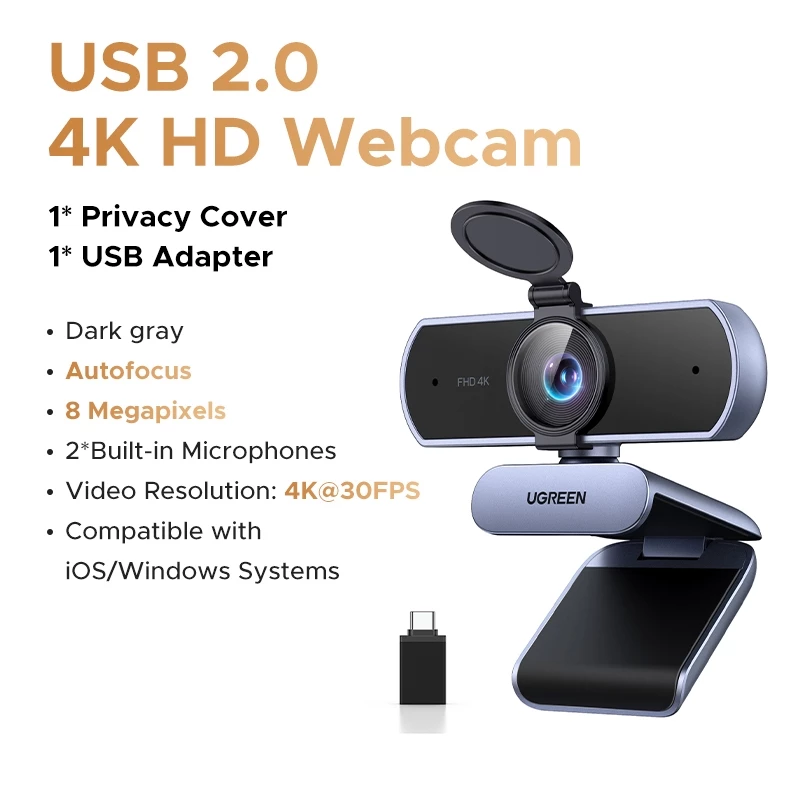
This one I don't own yet — it's what I'm saving up for. The In-Play C1080E has been reliable, but it doesn't autofocus, and I've noticed the picture gets soft whenever I lean in to point at something on-screen during a meeting. The UGREEN's fast autofocus and 4K sensor, plus built-in dual microphones, would mean one less thing to think about mid-call — the camera adjusts instead of me having to reposition myself to stay in focus.
| Resolution | Ultra HD 4K |
| Focus | Fast autofocus |
| Microphones | 2x built-in |
| Price | ₱1,693 |
Final Thoughts
None of this is an expensive setup — the three pieces I actually use every week add up to less than ₱1,300 combined. But they solve real, specific problems: reading notes without harsh lighting, staying comfortable through long calls, and being seen and heard clearly. That's really the whole bar for a solid Zoom setup, whether it's for work, school, or a group you host yourself.
The UGREEN webcam is next on the list, not because anything is broken, but because autofocus would remove one small friction point I run into most weeks. I'll update this post once I've made the upgrade.
If you're setting up something similar for your own WFH calls, online classes, or group meetings, I hope this saves you some of the trial and error I went through.


Comments
Post a Comment