5 Best Smart Plugs for Home Automation on Shopee PH (2026)
Turn any outlet into a smart outlet — no rewiring, no hub required
Whether you want to stop worrying if you left the flat iron on, automate your lights for that "someone's home" look while you're away, or just cut down on standby power waste (and your Meralco bill), the right smart plug makes it simple. Here are five options available on Shopee Philippines, checked for real PH-outlet compatibility, current pricing, and genuine buyer reviews.
1. TP-Link Tapo P100 Mini Smart Wi-Fi Socket
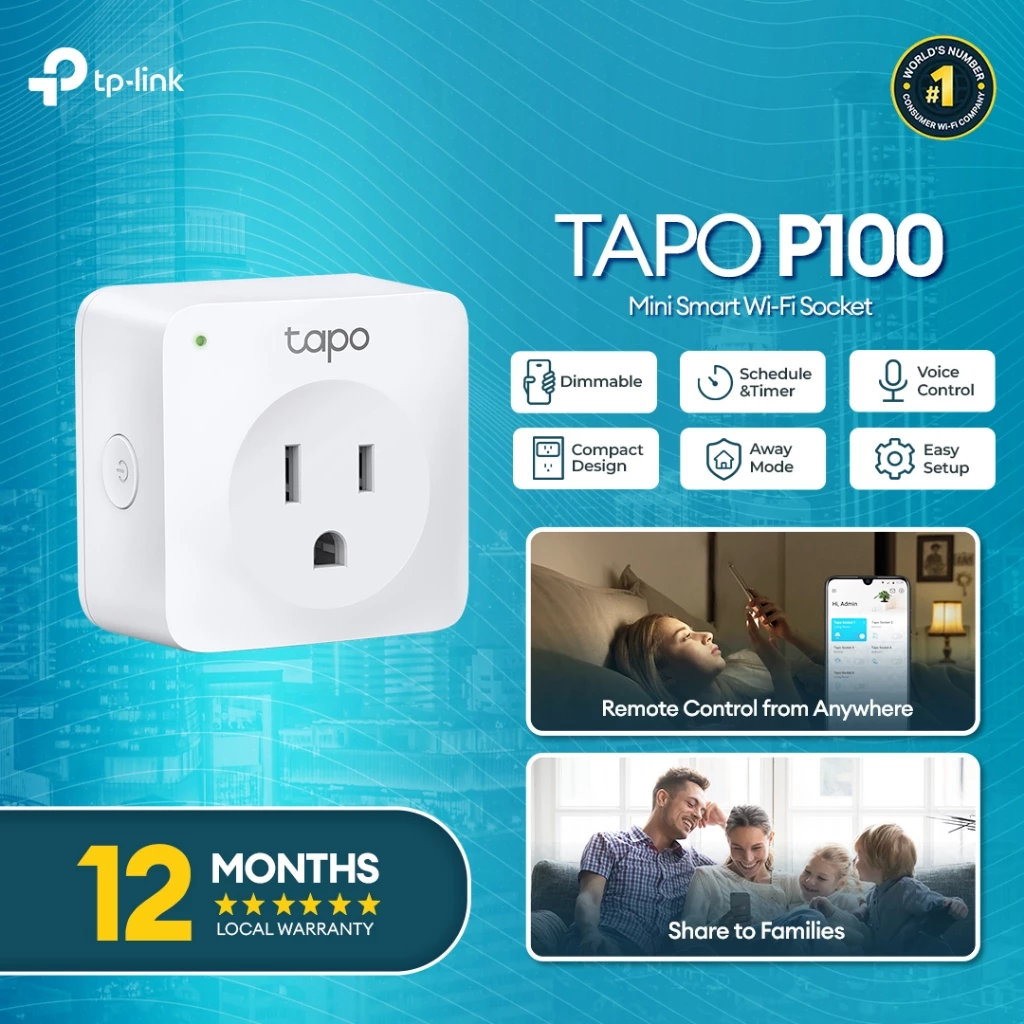
TP-Link is one of the most trusted names in home networking, and the Tapo P100 brings that same reliability to smart plugs. It's compact enough that it won't block the outlet right next to it — a small but real problem with bulkier smart plugs in a typical Philippine condo where outlets are often placed close together.
Setup uses Bluetooth onboarding to pair with the Tapo app in under a minute, and from there you get remote on/off control, scheduling, and an Away Mode that randomly toggles a connected lamp to make it look like someone's home. No separate hub is needed — it connects straight to your 2.4GHz Wi-Fi.
| Connectivity | Wi-Fi (2.4GHz) + Bluetooth onboarding |
| App | Tapo App |
| Voice Control | Amazon Alexa, Google Assistant |
| Number of Sockets | 1 |
| Key Features | Away Mode, Scheduling, Compact design, No hub required |
- Compact size doesn't block adjacent outlets
- Fast Bluetooth-assisted setup
- Trusted, well-supported brand in the PH market
- Single socket only — need multiple units for multiple appliances
- No energy monitoring on this base model
2. SMATRUL 20A/16A Tuya Wi-Fi + Bluetooth Smart Socket
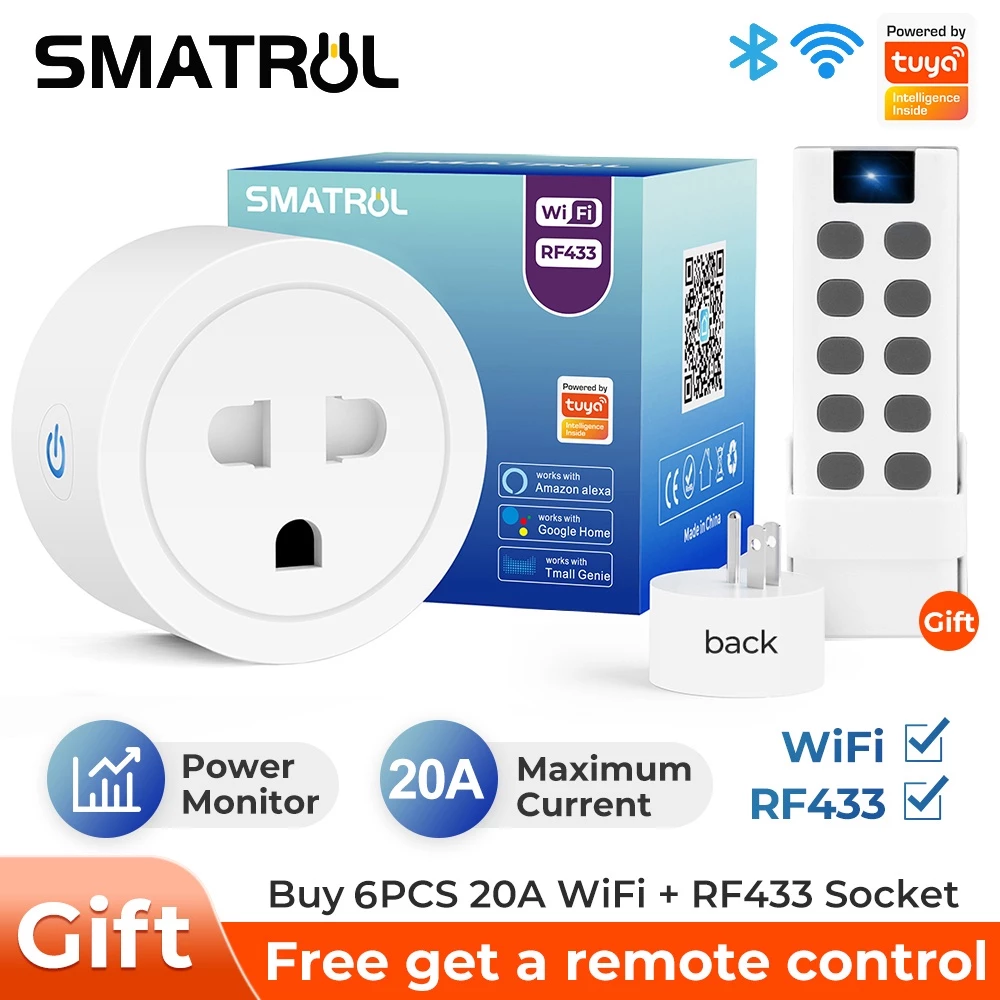
If you need a smart plug that can handle more than lamps and fans, the SMATRUL stands out for its higher current rating. It's rated up to 20A, which gives it enough headroom for higher-draw appliances like water heaters — something most budget smart plugs in this price range can't safely handle.
It runs on the Tuya-based Smart Life app, which is widely used across many budget smart home brands, so it plays well with other Tuya-compatible devices if you're planning to expand your setup later. The dual Wi-Fi and Bluetooth connectivity also means local control still works even if your internet briefly drops — a common annoyance during PH brownouts.
| Connectivity | Wi-Fi + Bluetooth |
| App | Smart Life / Tuya |
| Voice Control | Google Assistant, Amazon Alexa, Tmall Genie |
| Maximum Rating | Up to 20A / 16A configurable |
| Key Features | Power monitor, Timer, Water heater compatible |
- Higher amperage handles heavier appliances
- Bluetooth fallback keeps working during Wi-Fi hiccups
- Works with the broad Tuya smart home ecosystem
- Less brand recognition than TP-Link or Xiaomi
- App interface isn't as polished as bigger-name competitors
3. Xiaomi Mi Smart Plug (WiFi)
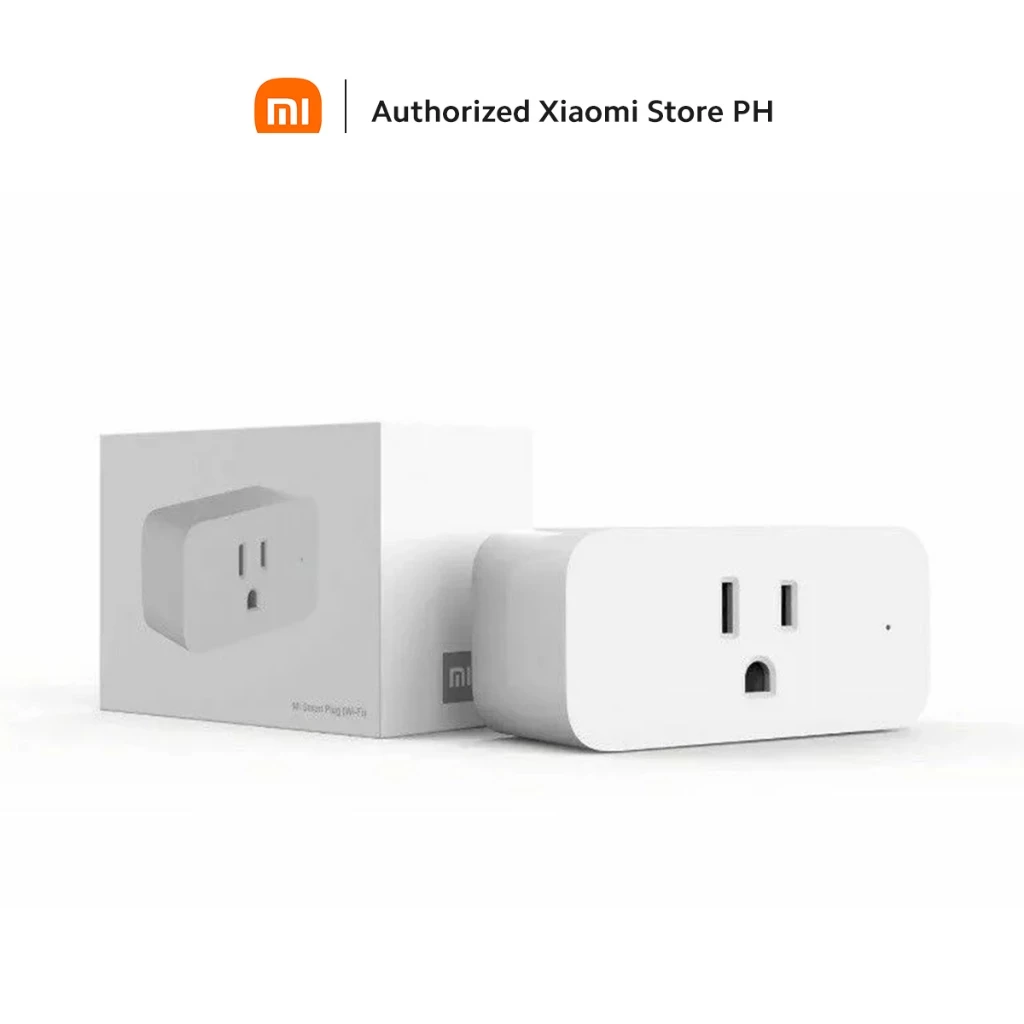
For anyone already using Xiaomi devices at home — a robot vacuum, an air purifier, or even just a Xiaomi router — the Mi Smart Plug slots straight into the Mi Home app you're likely already using. That means one app for your whole smart home instead of juggling five different ones.
It supports a solid 3680W maximum load on standard 220–240V outlets, which covers the vast majority of household appliances. Built-in temperature monitoring adds a layer of safety when it's plugged into heat-generating devices like heaters or irons.
| Connectivity | Wi-Fi (2.4GHz) |
| App | Mi Home |
| Voice Control | Google Assistant, Amazon Alexa |
| Maximum Wattage | 3680W (16A) |
| Key Features | Timer scheduling, Temperature monitoring, Voice control integration |
- Seamless integration if you already own Xiaomi smart devices
- Straightforward, well-reviewed app interface
- Built-in temperature monitoring for extra safety
- Wi-Fi only — no Bluetooth fallback on this version
- Best value is really felt within the Xiaomi ecosystem
4. Xiaomi Smart Plug 2 (WiFi + Bluetooth)
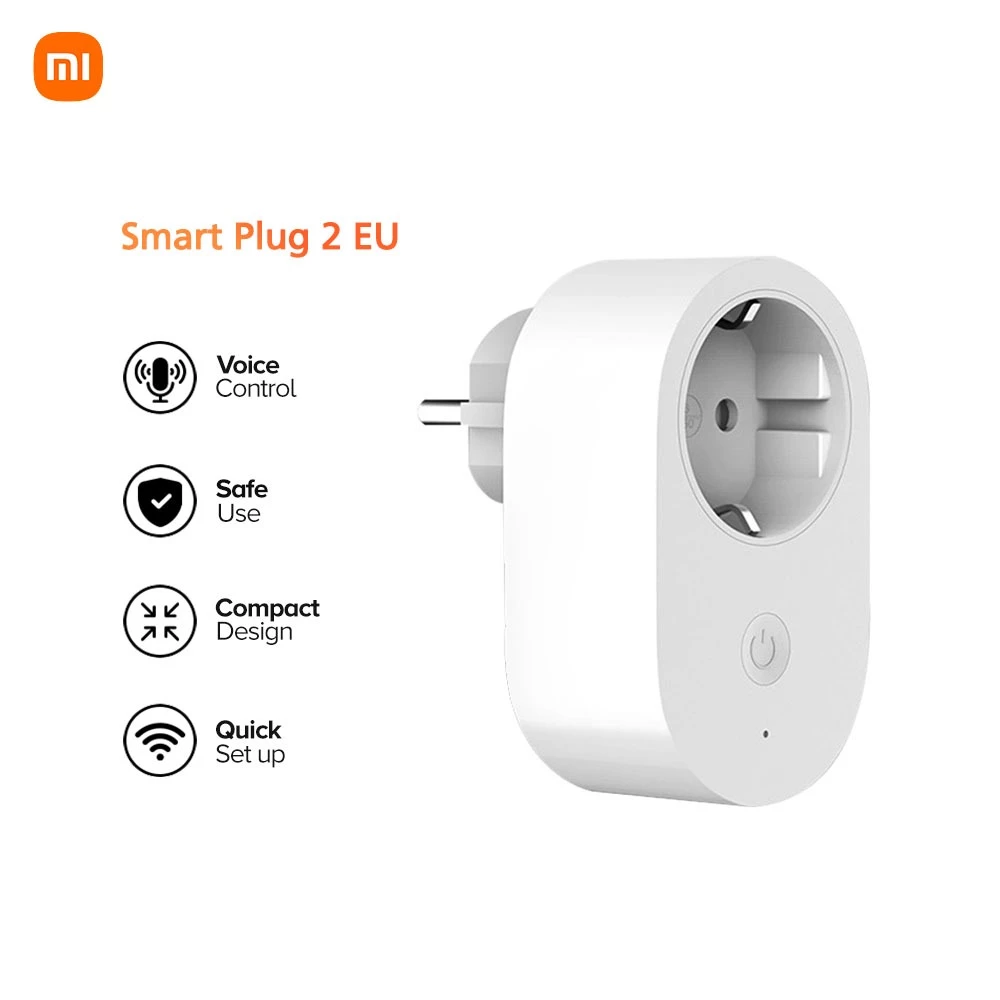
This is the upgraded version of the Mi Smart Plug above, and the key difference is the addition of Bluetooth as a fallback connection. If your router restarts or your Wi-Fi briefly drops — which happens more often than we'd like during PH storms — the plug still responds to local Bluetooth commands from your phone instead of going completely unresponsive.
It keeps the same compact form factor and 3680W maximum load as the original, and integrates into the same Xiaomi ecosystem for creating automation scenes with other Mi Home devices.
| Connectivity | Wi-Fi + Bluetooth (dual-mode) |
| App | Mi Home |
| Voice Control | Google Assistant, Amazon Alexa |
| Maximum Wattage | 3680W (16A) |
| Key Features | Dual-mode Wi-Fi/Bluetooth, App scheduling, Xiaomi Ecosystem integration |
- More resilient to Wi-Fi dropouts than Wi-Fi-only models
- Compact size fits flush beside other outlets
- Familiar app for existing Xiaomi users
- Slightly pricier than the original Mi Smart Plug
- Single socket only
5. Lasco Double Dual Smart WiFi Plug
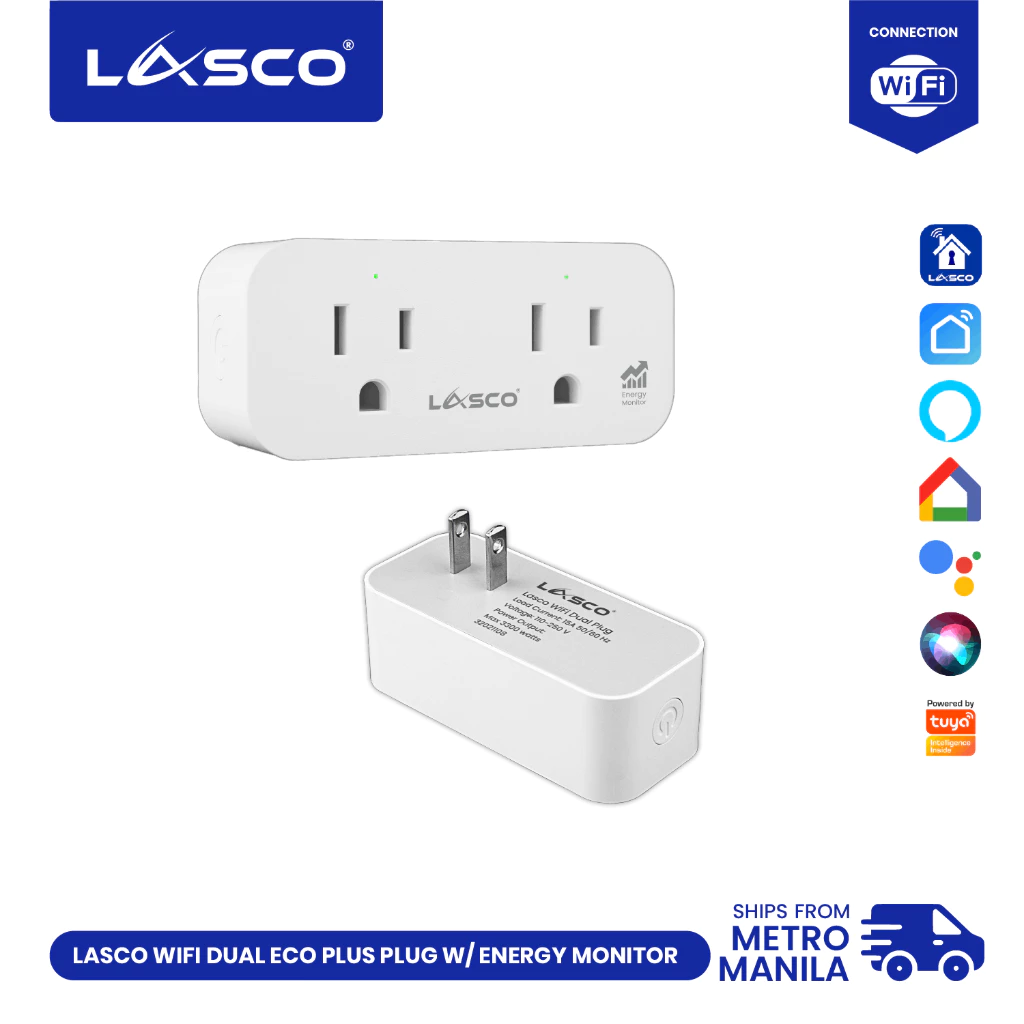
Lasco is a familiar name for Filipino buyers already shopping for local appliances and electricals, and their Double Dual Smart Plug solves a problem the other four plugs on this list don't: it gives you two independently controlled outlets in a single compact unit.
That means you can automate a lamp and a fan — or a TV and a soundbar — with just one plug, each socket schedulable on its own through the app. For anyone with limited wall outlets (a common condo problem), this cuts down on how many separate smart plugs you actually need to buy.
| Connectivity | Wi-Fi |
| App | App-based platform (Smart Life compatible) |
| Voice Control | Amazon Alexa |
| Number of Sockets | 2 (independently controlled) |
| Maximum Wattage | 3300W combined (15A) |
- Two independently controlled outlets in one plug
- Better value per outlet than buying two single plugs
- Familiar local brand for PH buyers
- Bulkier than single-socket options — may still block a neighboring outlet
- Combined 3300W load is shared across both sockets, not per-socket
Quick Comparison
How to Choose the Right Smart Plug
- Check the wattage rating against your appliance. A basic 10A plug is fine for lamps and fans, but heaters, water heaters, and aircons need a plug rated for higher current — check before you connect anything that draws serious power.
- Consider your existing ecosystem. If you already use Xiaomi, Google Home, or Alexa devices, picking a plug that integrates with the same app saves you from juggling multiple apps.
- Wi-Fi only vs. Wi-Fi + Bluetooth. Dual-mode plugs stay locally controllable even during internet hiccups — worth it if your area gets frequent brownouts or spotty ISP service.
- Single vs. dual-socket. If you only need to automate one appliance, a single-socket plug is simpler and usually cheaper. For two appliances near the same outlet, a dual-socket plug like the Lasco saves space and money.
- Physical size matters more than you'd think. Bulkier smart plugs can block the outlet right next to them — a real annoyance in condo units with limited wall sockets.
Final Thoughts
You don't need a full smart home overhaul to start saving on your electric bill or adding convenience to your daily routine. A single smart plug on your biggest phantom-load appliance — a rice cooker, a fan left running, a charger you forget to unplug — is often enough to notice a difference.
Start with one plug, see how it fits into your routine, and expand from there. All five options above are verified available on Shopee PH with real buyer reviews, so you can shop with confidence.


Comments
Post a Comment