5 Best WiFi Routers for Home Use on Shopee PH 2026
From ultra-budget browsing to Wi-Fi 6 gaming setups — a router for every home and budget
By The FitGeek | July 2026
The router that comes free with a fiber plan is usually fine for the first few months. Then someone in the house starts gaming, a couple more smart devices join the network, and suddenly the signal drops the moment anyone walks into the kitchen. That's usually the point where upgrading to a proper router stops being optional.
The good news is that a meaningful upgrade doesn't have to be expensive. Whether the goal is just stronger Wi-Fi in a small apartment or full Wi-Fi 6 coverage for a house full of streaming devices and consoles, there's a router on Shopee PH that fits. Here are five solid picks across different budgets and needs, all verified from official or authorized stores with confirmed current pricing.
1. TP-Link Archer AX23 (AX1800)
Best Overall Wi-Fi 6 OneMesh Ready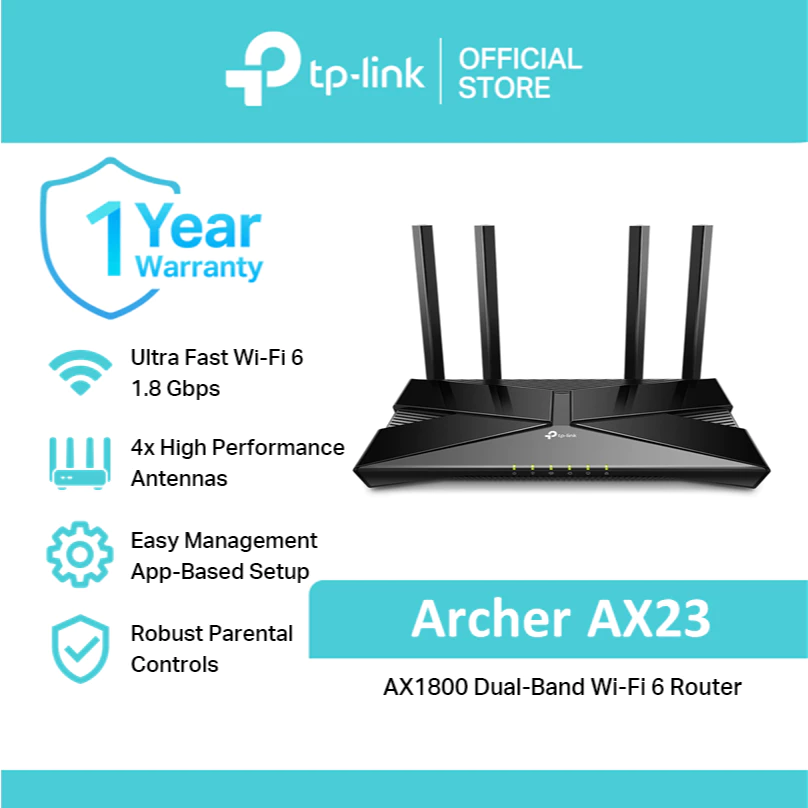
The Archer AX23 is TP-Link's entry point into Wi-Fi 6, and it hits a sweet spot for most Filipino households — fast enough to notice the upgrade, priced well below flagship gaming routers. It delivers combined speeds up to 1.8 Gbps across its dual bands, with four external antennas and beamforming to help the signal reach further into bedrooms and other rooms that older routers tend to struggle with.
OneMesh support is the standout feature here: pair it with a compatible TP-Link extender later and the whole home runs on a single Wi-Fi name with seamless roaming, without needing to buy a full mesh system upfront. It's managed through the TP-Link Tether app, which keeps setup and parental controls simple even for non-technical users.
| Wi-Fi Standard | Wi-Fi 6 (802.11ax) |
|---|---|
| Speed | 574 Mbps (2.4GHz) + 1201 Mbps (5GHz) |
| Bands | Dual-Band |
| Antennas | 4 external, with Beamforming |
| Ports | 1x Gigabit WAN, 4x Gigabit LAN |
| Mesh Support | Yes — OneMesh compatible |
| App | TP-Link Tether |
Pros:
- Wi-Fi 6 speeds at a mid-range price point
- OneMesh lets you expand coverage later without replacing the router
- Gigabit ports on all LAN connections for fast wired speeds
- Simple setup and management via the Tether app
Cons:
- Only 2 spatial streams — not built for very large or multi-floor homes without a mesh add-on
- No USB port for network storage or printer sharing
2. Mercusys MR70X (AX1800)
Best Value Wi-Fi 6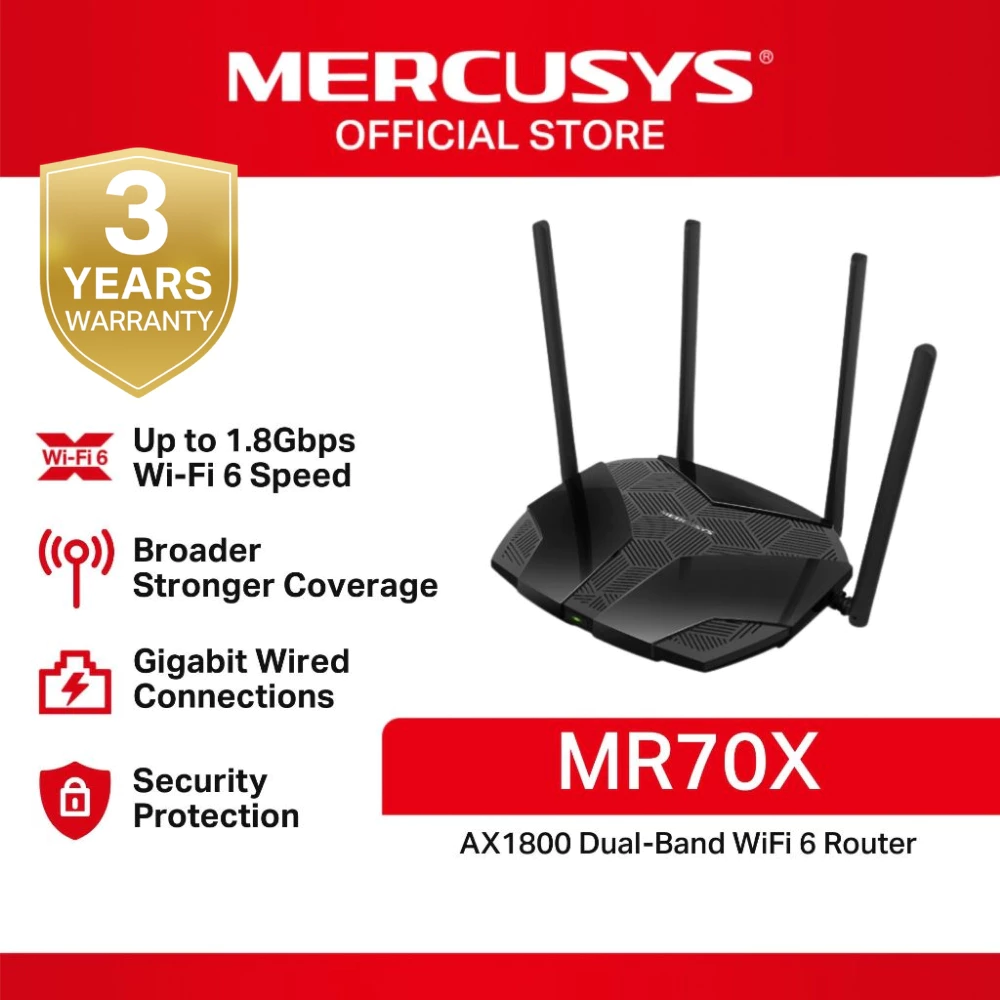
Mercusys is TP-Link's sister brand, and the MR70X runs on the same reliable firmware while undercutting the Archer AX23 slightly in price for nearly identical specs — also AX1800 speeds, four high-gain antennas, and full Gigabit ports. For buyers who don't need the TP-Link name specifically, this is one of the most efficient ways to get genuine Wi-Fi 6 speeds on Shopee PH.
It supports OFDMA and MU-MIMO, the two Wi-Fi 6 features that matter most in a busy household — they let the router talk to multiple devices at once instead of serving them one at a time, which is the real-world difference between a router that slows to a crawl during a family movie night and one that doesn't.
| Wi-Fi Standard | Wi-Fi 6 (802.11ax) |
|---|---|
| Speed | 574 Mbps (2.4GHz) + 1201 Mbps (5GHz) |
| Bands | Dual-Band |
| Antennas | 4 high-gain external, with Beamforming |
| Ports | 1x Gigabit WAN, 3x Gigabit LAN |
| Security | WPA3 |
| Mesh Support | Yes — EasyMesh compatible |
Pros:
- Genuine Wi-Fi 6 performance at one of the lowest prices in this category
- OFDMA and MU-MIMO handle multiple devices without the usual slowdown
- WPA3 security is up to date for 2026 standards
- Runs on the same stable firmware base as TP-Link routers
Cons:
- Fewer software features than the TP-Link Archer line (no dedicated app-based parental control suite)
- Best suited to small-to-medium homes rather than multi-floor houses
3. TP-Link Archer AX12 (AX1500)
Best Budget Wi-Fi 6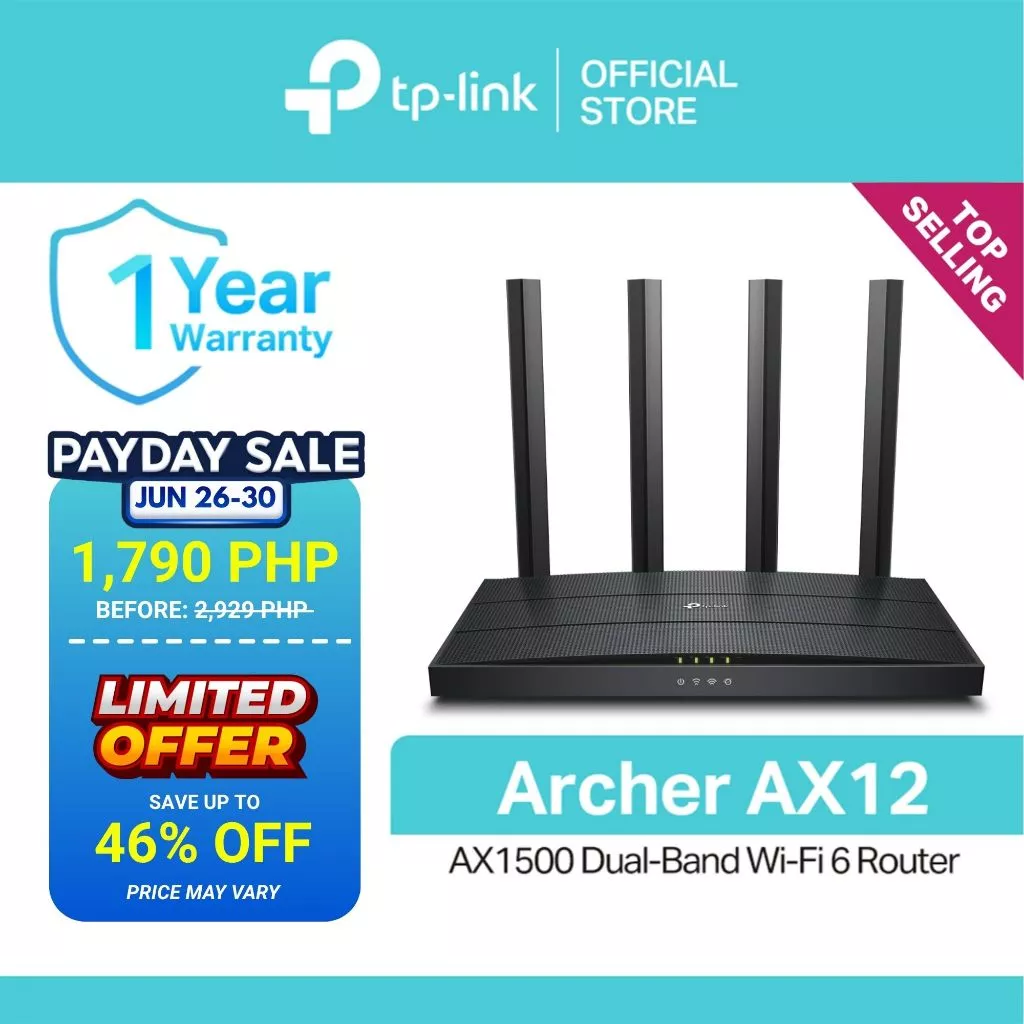
For anyone who wants to jump to Wi-Fi 6 without spending ₱2,000-plus, the Archer AX12 is the most accessible route in. It trims the total bandwidth down to AX1500 compared to the AX23, but keeps the core Wi-Fi 6 benefits — OFDMA for multi-device efficiency and beamforming for more consistent coverage — intact.
It's a fitting upgrade for a 2-3 bedroom home replacing an aging Wi-Fi 4 or 5 router, especially for households where most devices (phones, laptops, smart TVs) already support Wi-Fi 6 and can take advantage of the faster protocol even at this lower price tier.
| Wi-Fi Standard | Wi-Fi 6 (802.11ax) |
|---|---|
| Speed | 300 Mbps (2.4GHz) + 1201 Mbps (5GHz) |
| Bands | Dual-Band |
| Antennas | 4 external, with Beamforming |
| Ports | 1x Gigabit WAN, 4x Gigabit LAN |
| Multi-Device Support | OFDMA + MU-MIMO |
| App | TP-Link Tether |
Pros:
- Cheapest way to get genuine Wi-Fi 6 speeds on this list
- Still includes Gigabit LAN ports despite the lower price
- Easy setup via Tether app, good for non-technical households
Cons:
- Lower 2.4GHz throughput than the AX23 — less headroom for very device-heavy homes
- No mesh/OneMesh support on this specific model
4. Asus RT-AX57 (AX3000)
Best for Gaming & Power Users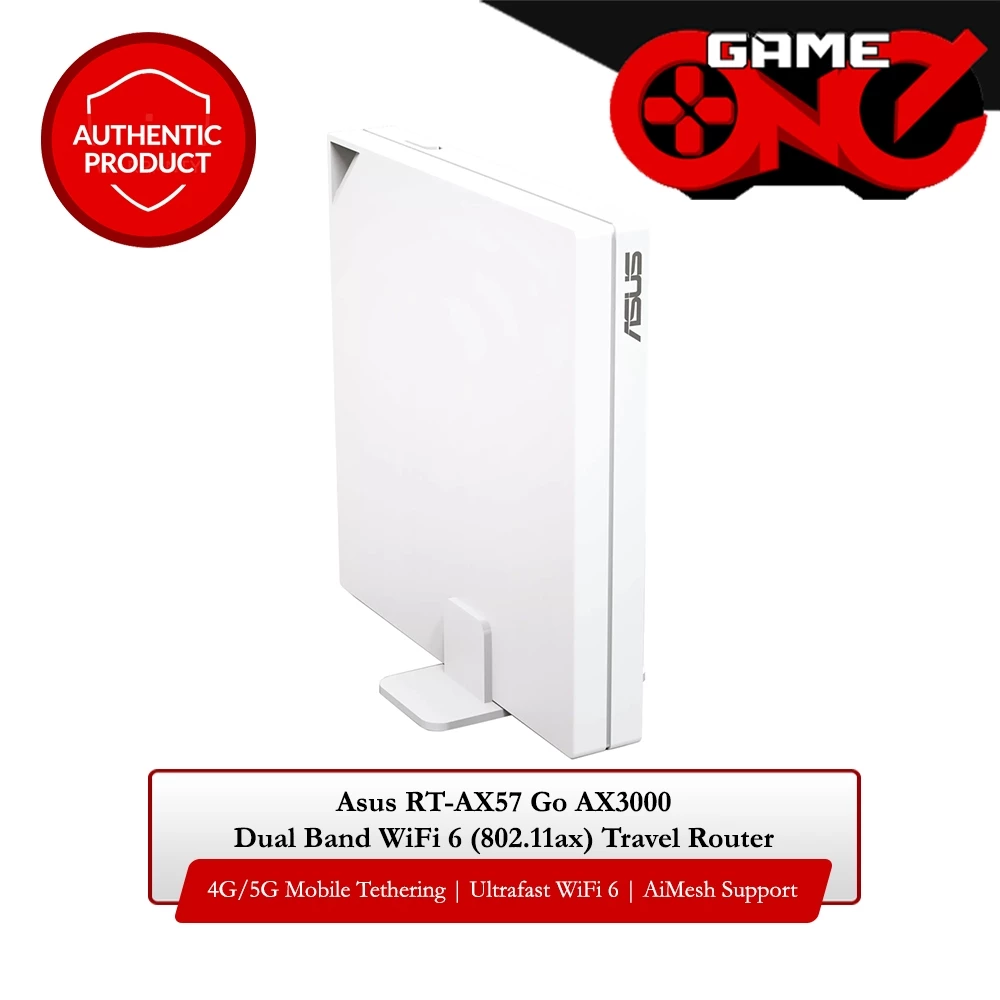
The RT-AX57 is built for households that push their network harder — multiple people gaming or streaming 4K at once, a mix of smart home devices, and the expectation that none of it lags. A 1.7GHz quad-core processor handles the extra load, while combined AX3000 speeds give real headroom above what most home internet plans in the Philippines currently offer.
Asus bundles in AiProtection Classic (powered by Trend Micro) at no extra subscription cost — a real point of difference from brands that charge for ongoing network security. It's also AiMesh compatible, so a second Asus router can be added later to extend coverage without starting over with a new ecosystem.
| Wi-Fi Standard | Wi-Fi 6 (802.11ax) |
|---|---|
| Speed | 574 Mbps (2.4GHz) + 2402 Mbps (5GHz) |
| Bands | Dual-Band |
| Processor | 1.7GHz Quad-Core |
| Security | AiProtection Classic (Trend Micro), free lifetime |
| Mesh Support | Yes — AiMesh compatible |
| Ports | 1x Gigabit WAN, 4x Gigabit LAN |
Pros:
- Highest throughput on this list — AX3000 combined speed
- Free lifetime network security via AiProtection Classic
- Quad-core processor keeps performance stable under heavy multi-device load
- AiMesh lets you scale to whole-home coverage later
Cons:
- Priciest option on this list
- Advanced settings require the web interface — mobile app covers only the basics
5. TP-Link TL-WR820N
Best Ultra-Budget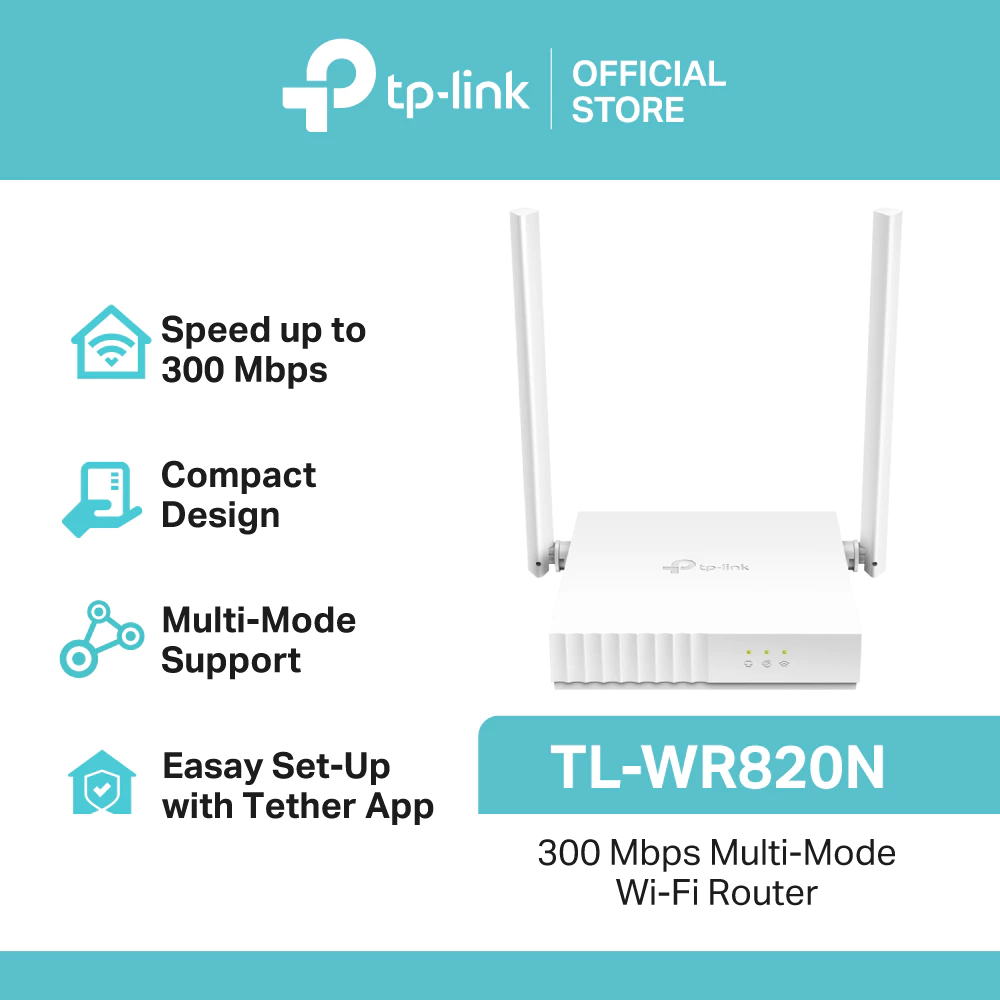
Not every setup needs Wi-Fi 6 — a bachelor's pad, a dorm room, or a small studio with just a couple of devices can run perfectly well on a basic router, and the TL-WR820N covers that need at one of the lowest prices available on Shopee PH. It delivers 300 Mbps on the 2.4GHz band, which is more than enough for browsing, messaging, and even HD streaming on a single device at a time.
Its multi-mode flexibility is the real selling point at this price: it can function as a standard router, an access point, a range extender, or in WISP mode to pull in an existing wireless signal and rebroadcast it — useful for boarding houses or small offices without a fixed internet line.
| Wi-Fi Standard | Wi-Fi 4 (802.11n) |
|---|---|
| Speed | 300 Mbps (2.4GHz, Single-Band) |
| Antennas | 2x 5dBi external, 2x2 MIMO |
| Modes | Router, Access Point, Range Extender, WISP |
| Ports | 1x WAN, 1x LAN |
| Extras | Guest Network, Parental Controls, IPv6 |
Pros:
- One of the cheapest legitimate routers available on Shopee PH
- Multi-mode operation covers router, extender, and WISP use cases
- Simple, low-maintenance setup for basic internet needs
Cons:
- Single-band only — no 5GHz option, so it's more prone to 2.4GHz interference
- Not suitable for gaming, 4K streaming, or more than a few connected devices
📊 Quick Comparison: 5 Best WiFi Routers on Shopee PH 2026
🤔 How to Choose the Right WiFi Router for You
- Just need reliable browsing and streaming for a small space? — TP-Link TL-WR820N (₱549). Basic, affordable, and flexible enough to double as a range extender.
- Want the best all-around upgrade with no fuss? — TP-Link Archer AX23 (₱2,990). Wi-Fi 6 speeds, OneMesh expandability, and a proven brand.
- On a budget but still want Wi-Fi 6? — TP-Link Archer AX12 (₱1,590). The lowest-cost way to get genuine Wi-Fi 6 on this list.
- Want the best value for the spec sheet? — Mercusys MR70X (₱2,980). Nearly identical to the Archer AX23 at a slightly lower price.
- Gaming, streaming, or running a device-heavy smart home? — Asus RT-AX57 (₱4,195). The fastest option here, with free built-in network security.
- Check your internet plan speed first. There's no benefit to a router rated faster than what your ISP delivers — match the router to your actual plan, not just the highest number on the box.
- Planning to cover a large or multi-floor home? Look for OneMesh, EasyMesh, or AiMesh compatibility so coverage can be extended later without replacing the main router.
❓ Frequently Asked Questions
🏆 Final Thoughts: Which WiFi Router Should You Get?
A router upgrade is one of the most cost-effective changes you can make to a home network — it doesn't just add speed, it fixes the dead zones and lag spikes that make internet plans feel slower than they actually are.
Our top pick for most buyers: the TP-Link Archer AX23 at ₱2,990. It balances genuine Wi-Fi 6 performance, Gigabit ports, and future mesh expandability without pushing into premium pricing.
Tight on budget but still want Wi-Fi 6? The TP-Link Archer AX12 gets you there for ₱1,590. Want essentially the same performance as the AX23 for slightly less? The Mercusys MR70X covers that. Running a household full of gamers and streamers? The Asus RT-AX57 is worth the ₱4,195 for the extra headroom and free built-in security. And for a small room, dorm, or backup unit, the TP-Link TL-WR820N at ₱549 gets the basics done without overspending.
Check the official brand stores on Shopee PH for the latest prices and vouchers before checking out.


Comments
Post a Comment